
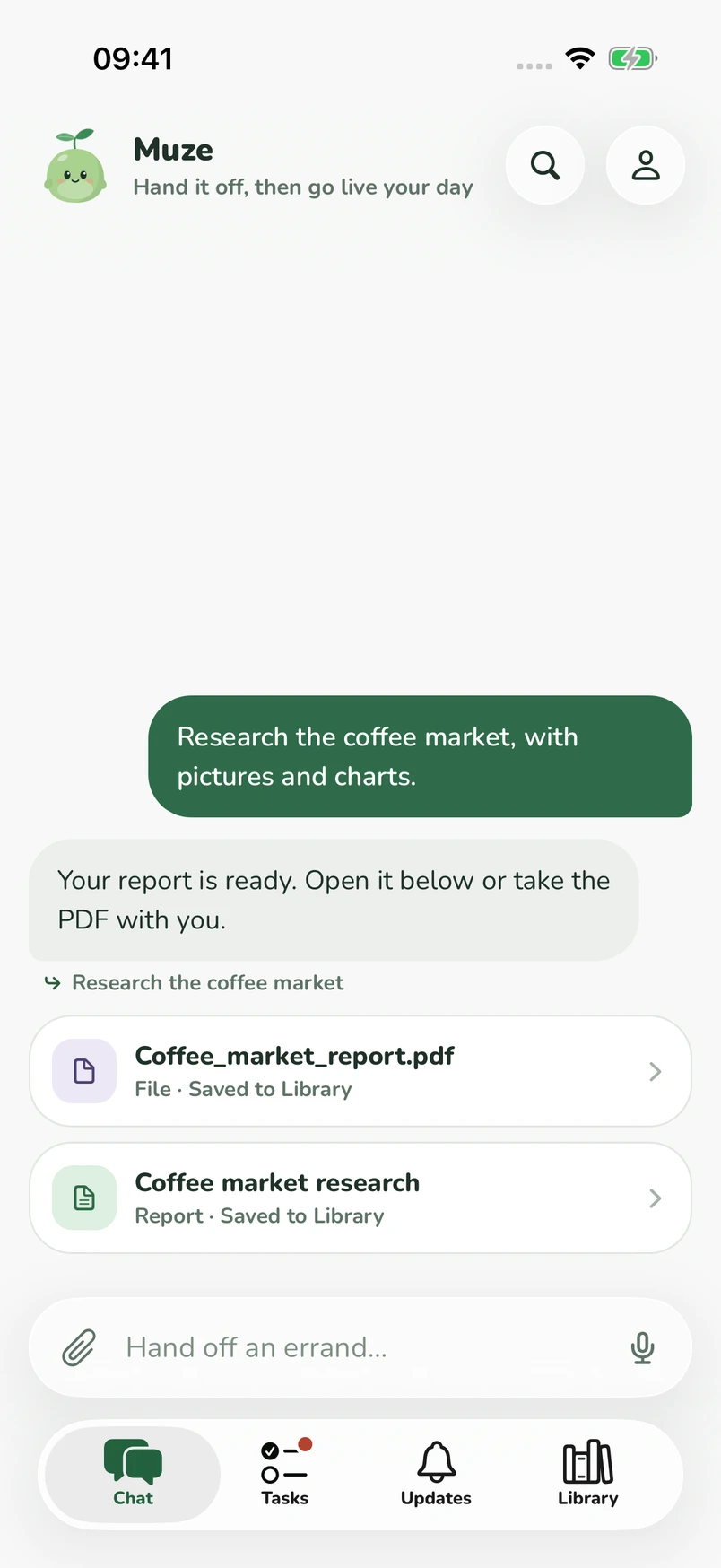
01 · Ask
Say it the way you'd say it to a friend.
No forms, no prompts to get right. Muze asks only what it needs to know, then gets started. Want something changed? Just say so.
New Your personal agent
Muze handles research, emails, and files in the background, and checks with you before anything important.

How it works
Tell Muze what you need. It does the legwork, keeps going while you're away, and brings back something you can use.
01 · Ask
No forms, no prompts to get right. Muze asks only what it needs to know, then gets started. Want something changed? Just say so.
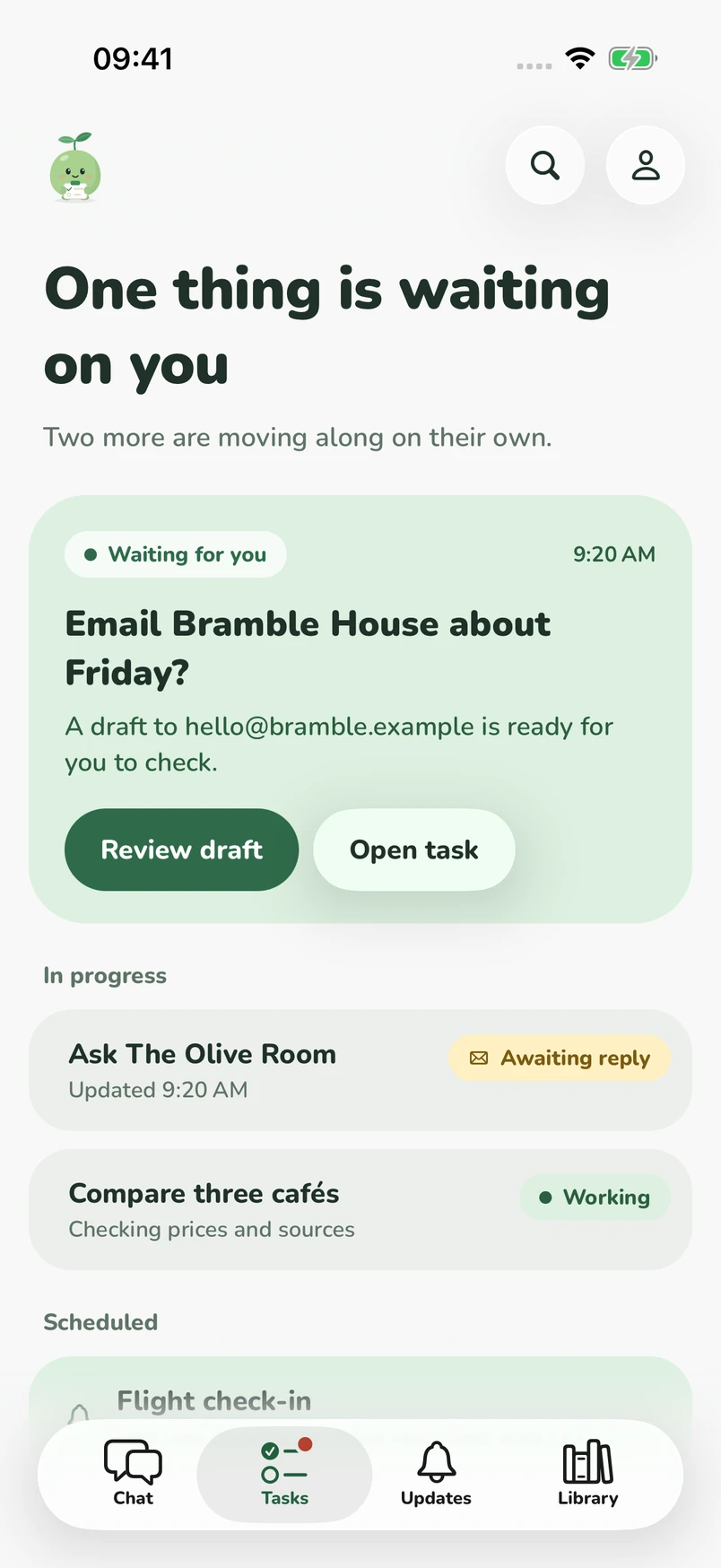
02 · Leave
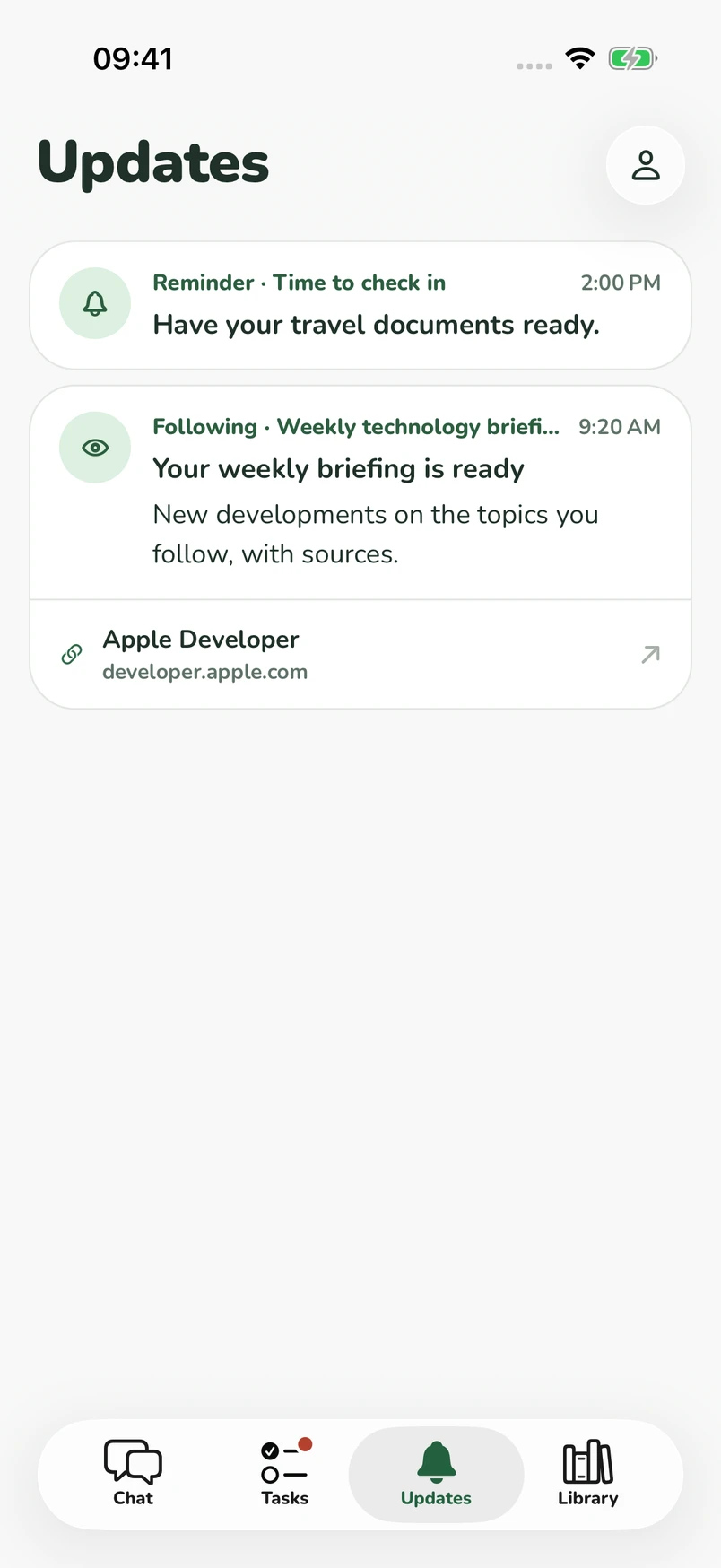
Tasks run in the background for hours, or wait up to 14 days for an email reply. When the answer arrives, Muze picks the task back up and tells you what changed.
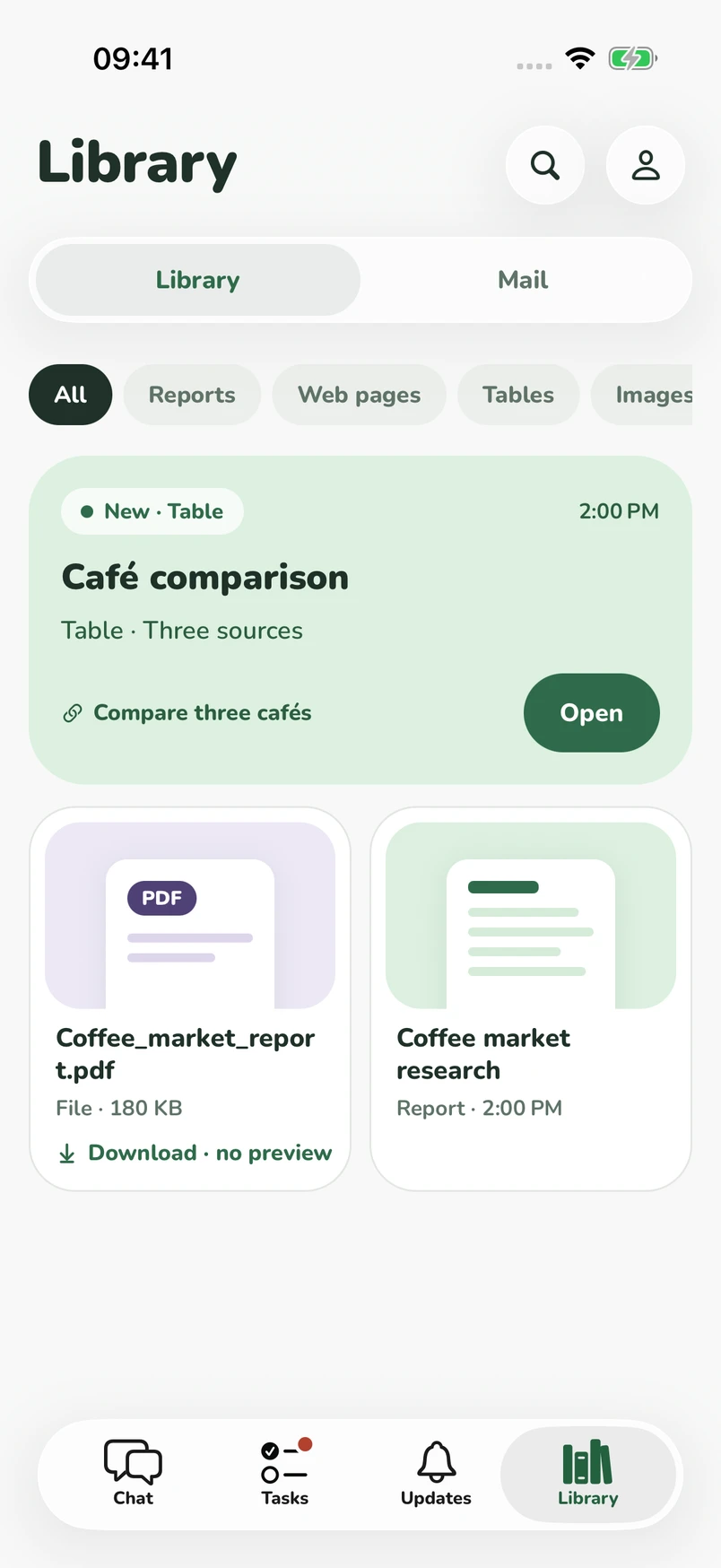
03 · Files
Attach a recording, a PDF, or a link and ask for what you need. Muze works in its own isolated computer and puts the result in your Library, ready to open or save.
Your address · Approve
Pick a username and get the matching email address. Muze writes from it and reads the replies, so your personal inbox stays yours.
Muze only writes to people you've allowed. Anyone else, you read, edit, and approve each message first.
Hi Bramble House team, I'm hoping to book dinner for 12 this Friday around 7:30. Do you have space, and is there a set menu for groups?
Not on your allowed list, so this waits for you.
You see what's waiting on you, what's in progress, and what's done. Everything Muze makes stays in your Library until you delete it, and files you keep stay past 30 days. Muze can make mistakes, so it shows its sources and tells you what it couldn't check.
Get Muze
Available on iPhone.